

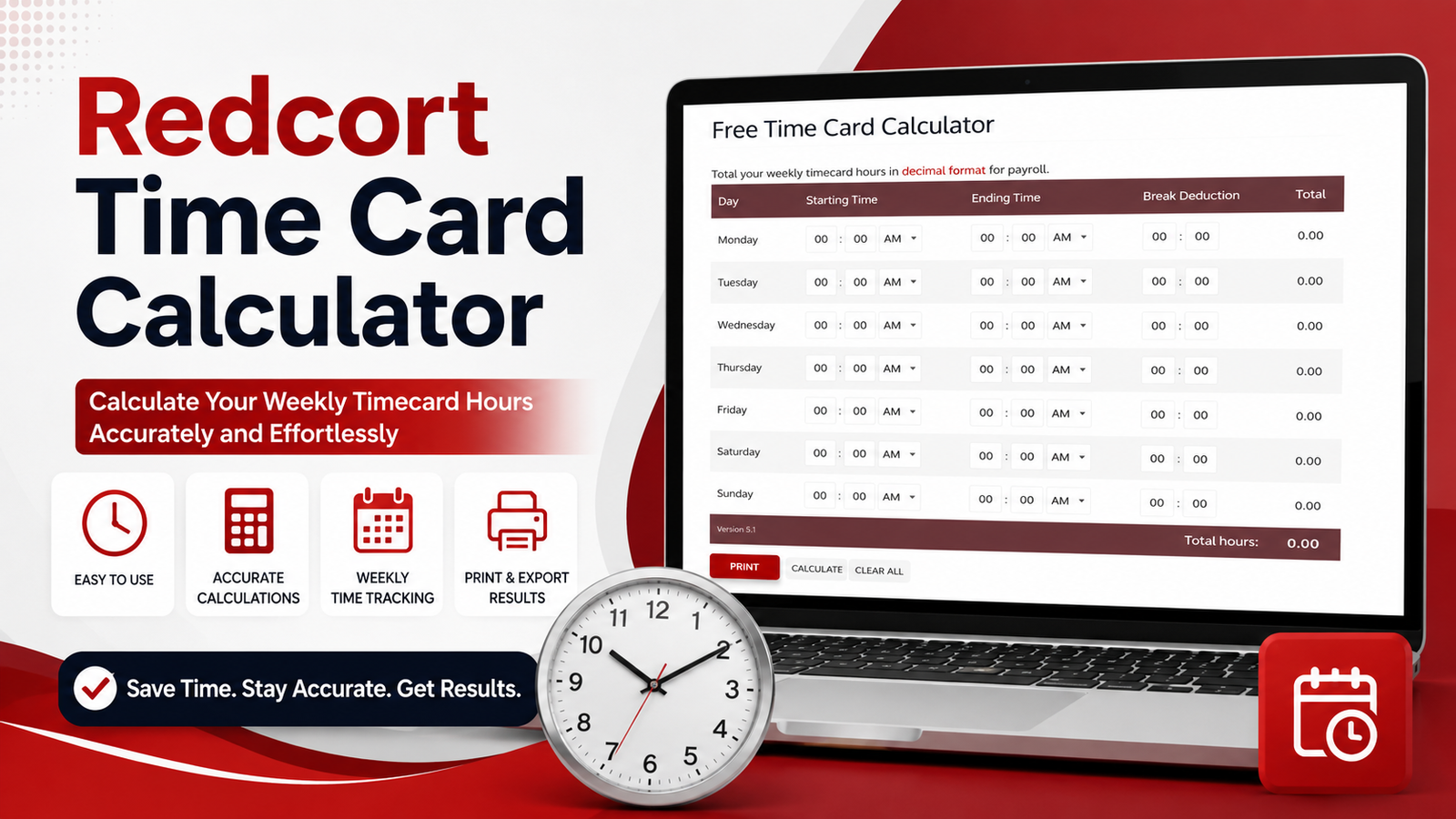
Keeping track of working hours can become surprisingly complicated when employees work different shifts, take unpaid breaks or regularly work overtime. A reliable time calculation tool can make this process much easier. The Redcort time card calculator is designed to help users calculate work hours from recorded start and finish times while reducing the manual effort involved in timesheet calculations.
For UK employees, managers and small businesses, accurate time records are particularly useful when preparing payroll, checking overtime and reviewing weekly working patterns. Understanding how a time card calculator works can help you avoid common mistakes and make your working-hours records more consistent.
What Is the Redcort Time Card Calculator?
The Redcort time card calculator is a time-tracking and hours-calculation solution associated with Redcort Software. It is intended to simplify the process of converting clock-in and clock-out information into useful totals.
Instead of manually subtracting one time from another for every shift, a calculator can process the recorded times and determine the amount of time worked. Depending on the setup and information entered, calculations can also account for breaks and different working periods.
This makes time calculation more convenient for employees, supervisors and businesses that need dependable records of working hours.
Why Use a Time Card Calculator?
Manually calculating working hours may seem easy when someone works a standard nine-to-five shift. However, the calculation becomes less straightforward when there are several employees, variable schedules, unpaid breaks or overnight shifts.
A time card calculator helps reduce these problems by performing the calculations consistently. It can save time and make it easier to identify discrepancies before hours are used for payroll or other administrative purposes.
For businesses, accurate time records can also make discussions about overtime, attendance and working schedules much clearer.
How the Redcort Time Card Calculator Works
The basic principle behind a time card calculator is straightforward. You enter the employee’s starting time and finishing time, and the system determines the elapsed working period.
For example, if an employee starts at 8:30 am and finishes at 5:00 pm, the total elapsed period is 8 hours and 30 minutes. If the employee takes a 30-minute unpaid lunch break, the actual working time becomes 8 hours.
The same principle can be applied across multiple working days. Daily totals can then be combined to understand the employee’s total hours for a week or another payroll period.
Calculating Working Hours Accurately
Accurate time calculations depend on entering the correct start and finish times. A small mistake in a time entry can affect the final total, particularly when the same error is repeated across several days.
Breaks should also be treated correctly. A paid break may remain part of working time, while an unpaid break normally needs to be deducted from the total period between clock-in and clock-out.
Employees and managers should therefore understand how their workplace records breaks before relying on the final calculated hours.
Time Card Calculations and Overtime
Overtime is another reason businesses use time card calculators. When an employee works beyond their normal scheduled hours, those additional hours may need to be identified separately.
For example, an employee who normally works 40 hours in a week but records 44 hours has four hours above the standard weekly schedule. Whether those hours qualify for overtime pay depends on the employment agreement and applicable workplace rules.
A calculator can make it easier to see the total number of hours recorded, but it does not automatically determine every contractual or legal entitlement. Businesses should apply their own payroll policies and relevant UK employment requirements.
Using Time Cards for Payroll
Timesheets and time cards can provide valuable information for payroll processing. When working hours are recorded consistently, payroll staff have a clearer basis for calculating ordinary hours, overtime and other relevant payments.
The Redcort time card calculator can therefore be useful as part of a broader timekeeping process. However, the calculated total should still be reviewed before payroll is finalised.
Checking unusual entries, missing breaks and unusually long shifts can help prevent incorrect payments.
Decimal Hours Versus Hours and Minutes
One common source of confusion is the difference between hours and minutes and decimal hours.
For instance, 7 hours and 30 minutes is written as 7:30 when using hours and minutes. In decimal form, however, it is 7.5 hours. The 30 minutes represents half an hour, not the decimal value 30.
This distinction is important when transferring time card information into payroll or accounting software. A time calculator can help convert recorded times into a consistent format, reducing the possibility of calculation errors.
Redcort Time Tracking for Small Businesses
Small businesses may benefit from structured time tracking because they often have limited administrative resources. Spending time calculating every employee’s hours manually can become inefficient as the team grows.
A digital timekeeping solution can provide a more organised approach to recording working hours. It can also help managers review attendance patterns and understand how much time employees are spending on scheduled work.
For businesses with only a few employees, even a simple and consistent process can make payroll administration easier.
Common Mistakes When Calculating Work Hours
One of the most common mistakes is forgetting to deduct an unpaid break. Another is entering the wrong finishing time or accidentally recording a morning time as an evening time.
Overnight shifts can create additional complications because the finishing time occurs on the following day. For example, a shift beginning at 10:00 pm and ending at 6:00 am lasts eight hours, even though the clock times appear reversed when considered without the date.
Reviewing unusual entries before approving a timesheet is therefore an important part of accurate time management.
Redcort Time Card Calculator for UK Employees
UK employees can use time calculation tools to understand their recorded working hours more easily. This can be particularly useful for people with flexible schedules, shift work or varying weekly hours.
A calculated timesheet can provide a clearer picture of total working time and make it easier to compare recorded hours with a planned schedule.
However, employees should distinguish between calculating hours and determining legal rights. Working-time rules, rest periods and overtime arrangements can depend on employment circumstances and contractual terms.
Benefits of Accurate Time Tracking
Accurate time tracking can benefit both employers and employees. Employees gain a clearer record of the hours they have worked, while employers have better information for payroll and workforce management.
Consistent records can also reduce disagreements about attendance or overtime. When both sides can refer to the same time records, resolving discrepancies is generally easier.
The biggest benefit is often simplicity. A structured timekeeping process removes much of the repetitive arithmetic that would otherwise need to be performed manually.
Conclusion
The Redcort time card calculator can be a useful way to simplify working-hour calculations and organise time card information. By entering accurate start and finish times and accounting properly for breaks, users can quickly understand how many hours were worked during a shift or payroll period.
For UK employees and businesses, accurate time tracking can support payroll preparation, overtime monitoring and better workforce organisation. While a calculator handles the arithmetic, users should still review unusual entries and apply their workplace policies when determining how calculated hours should be treated.
FAQs
What is the Redcort time card calculator?
The Redcort time card calculator is a tool designed to help calculate working hours from recorded employee start and finish times. It can make timekeeping and hours calculations more convenient.
How do I calculate hours worked from a time card?
Enter the employee’s starting and finishing times and account for any unpaid breaks. The resulting elapsed time represents the hours worked for that shift.
Can a time card calculator calculate overtime?
A time card calculator can help identify total hours worked, which can make overtime easier to determine. The actual overtime rules depend on the employer’s policy and employment arrangement.
Does a time calculator subtract breaks?
A time calculation system may allow breaks to be accounted for, depending on the particular configuration. Unpaid breaks generally need to be deducted from the total shift duration.
Can I use a time card calculator in the UK?
Yes. UK employees and businesses can use time calculation tools to organise working-hour records and calculate shift totals.
What is 7 hours and 30 minutes in decimal hours?
Seven hours and 30 minutes equals 7.5 decimal hours. Thirty minutes represents half an hour, which is 0.5 in decimal form.
Can time card calculations help with payroll?
Yes. Accurate time records can provide useful information for calculating ordinary working hours and reviewing overtime before payroll is processed.
How are overnight shifts calculated?
An overnight shift is calculated across two calendar days. For example, a shift from 10 pm to 6 am represents eight hours before any breaks are deducted.
Why are accurate time cards important?
Accurate time cards provide a reliable record of working hours. They can help employees verify their hours and help employers process payroll more consistently.
Is a time card calculator the same as a timesheet?
They are related but not necessarily identical. A timesheet records working periods, while a calculator performs the arithmetic needed to determine totals from those recorded times.