

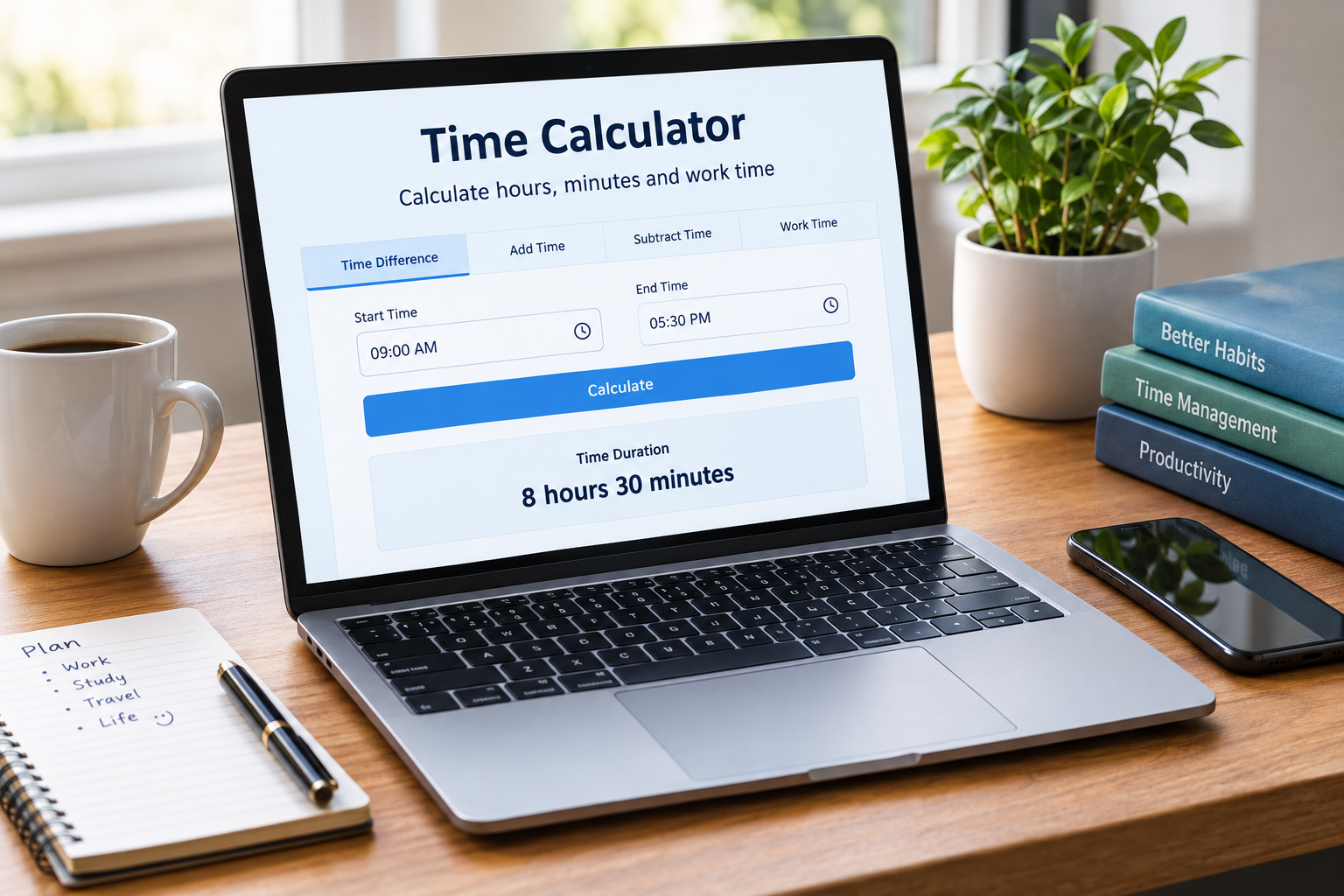
Time calculations can become confusing when hours and minutes are involved. Adding several time periods by hand can also lead to small mistakes.
A time calculator makes these calculations much easier. You can use it to add or subtract hours, find the time between two points, or work out how long a task takes.
It can help with work schedules, study sessions, travel plans, appointments, and everyday tasks. Instead of doing each calculation manually, you can get a clear result in seconds.
What Is a Time Calculator?
A time calculator is an online tool that helps you calculate periods of time. It can work with hours, minutes, and sometimes seconds.
For example, you may want to know how long it is from 8:30 AM to 4:45 PM. You might also need to add 2 hours and 35 minutes to another time.
The calculator handles these operations for you. This reduces the chance of mistakes when working with different units of time.
Some tools also let you calculate time across midnight. This is useful for night shifts, travel, and other activities that continue into the next day.
How Does a Time Calculator Work?
Most time calculations follow a simple process. The calculator first converts the entered values into a common unit, such as minutes.
It then performs the required calculation. Finally, it converts the result back into hours and minutes.
For example, one hour equals 60 minutes. Therefore, 2 hours and 30 minutes equals 150 minutes.
When you calculate the difference between two times, the same basic idea applies. The calculator determines the total number of minutes between the starting and ending times.
This approach makes calculations more reliable, especially when the minutes do not line up neatly.
How to Calculate the Difference Between Two Times
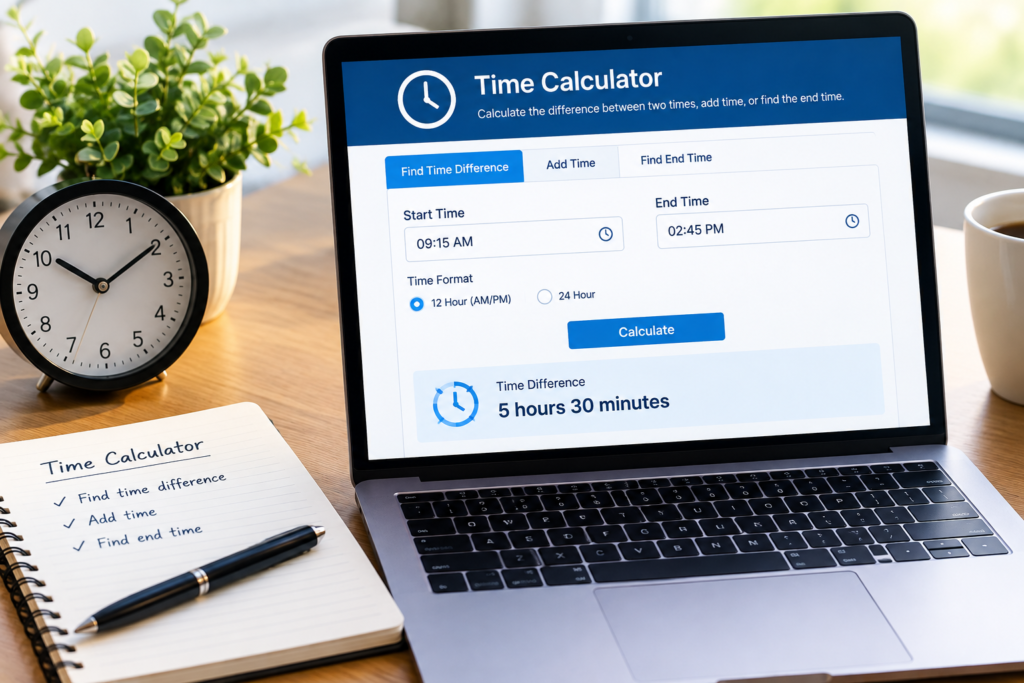
Finding the difference between two times is one of the most common uses.
Suppose you start work at 9:15 AM and finish at 5:45 PM. The total period is 8 hours and 30 minutes.
You can work this out by separating the hours and minutes. However, manual calculations become harder when the start and end times cross an hour or midnight.
A time calculator handles these changes automatically. You simply enter the start and end times, then read the calculated duration.
This can be useful for work shifts, appointments, exercise sessions, meetings, and study periods.
How to Add Hours and Minutes
Adding time manually requires attention because 60 minutes make one hour.
For example, imagine you need to add 2 hours and 40 minutes to 3 hours and 35 minutes. Adding the hours gives 5 hours.
The minutes total 75 minutes. Since 75 minutes equals 1 hour and 15 minutes, the final result is 6 hours and 15 minutes.
A calculator performs this conversion automatically. As a result, you do not need to keep converting minutes into hours yourself.
This is especially useful when you need to add several time periods together.
How to Subtract Time
Subtracting time follows a similar process. However, the calculation can become difficult when the first set of minutes is smaller than the second.
For instance, subtracting 45 minutes from 2 hours and 20 minutes requires borrowing an hour. You can convert one hour into 60 minutes before completing the calculation.
A time calculator handles this step automatically. It can return the remaining hours and minutes without requiring manual borrowing.
This makes it useful for tracking task durations and calculating remaining time.
Using a Work Time Calculator
A work time calculator is designed for calculating working hours. It can help employees, freelancers, managers, and businesses track time spent on tasks or shifts.
For example, you may start work at 8:45 AM and finish at 5:15 PM. If you take a one-hour unpaid break, your actual working time is 7 hours and 30 minutes.
This type of calculation matters when recording working hours. It can also help when checking timesheets or estimating total weekly hours.
Some work time tools can calculate several shifts. They may also account for breaks and overnight schedules.
Calculating Work Hours With Breaks
Breaks can make working-hour calculations less straightforward. You need to know both the total shift length and the break duration.
Imagine someone works from 9:00 AM until 5:30 PM. The total time between these points is 8 hours and 30 minutes.
If the person takes a 30-minute unpaid break, the actual working time becomes 8 hours.
A work time calculator can make this process faster. It is particularly useful when calculating hours across several days.
However, employment rules can vary. Always follow the working-time and payroll rules that apply to your situation.
Time Calculations for Everyday Tasks
Time calculations are useful far beyond the workplace.
Students can calculate how long they spend studying. Travellers can find the duration between departure and arrival times. Parents can track activities, appointments, and routines.
You can also use a time calculator when planning meetings. For example, knowing the exact duration between two appointments can help prevent scheduling conflicts.
Even simple tasks become easier when you can see the exact duration.
Why Use a Time Calculator?
Manual time calculations are possible, but they can take longer than expected. Small mistakes can also change the final result.
A calculator provides a quick way to check your work. It can be especially helpful when several time periods are involved.
It also saves you from repeatedly converting hours into minutes. This makes the process more convenient and easier to understand.
For regular time tracking, a calculator can also improve consistency. You can use the same method each time instead of relying on mental calculations.
Common Time Calculation Mistakes
One common mistake is forgetting that an hour contains 60 minutes rather than 100. This can cause incorrect results when adding or subtracting time.
Another issue occurs when a calculation crosses midnight. For example, a shift from 10:00 PM to 6:00 AM lasts 8 hours, not negative 16 hours.
Breaks can also cause confusion. If a break is unpaid, you may need to remove it from the total shift duration.
Finally, check whether the times use AM and PM correctly. A simple input mistake can produce a completely different result.
When Should You Use a Time Calculator?
A time calculator can help whenever you need an accurate duration or time total.
It is useful for calculating working hours, adding study sessions, checking travel durations, and planning daily activities.
You can also use it to verify manual calculations. This is helpful when the result affects a timesheet, schedule, or other important record.
For simple calculations, mental maths may be enough. For repeated or complex calculations, an online tool can save both time and effort.
Conclusion
A time calculator provides a simple way to handle hours and minutes. It can calculate time differences, add durations, and subtract periods without complicated manual work.
A work time calculator is particularly useful for tracking shifts and working hours. It can also help account for breaks and overnight schedules.
Whether you are managing work, study, travel, or daily activities, accurate time calculations can make planning easier. A reliable calculator gives you a quick way to check the duration and avoid common mistakes.
FAQs
What is a time calculator used for?
A time calculator is used to add, subtract, and compare periods of time. It can calculate durations in hours, minutes, and sometimes seconds.
How do I calculate hours between two times?
Enter the starting and ending times into the calculator. It then determines the duration between them, including calculations that cross an hour or midnight.
Can a time calculator calculate working hours?
Yes. A time calculator can determine the length of a work shift. A work time calculator may also allow you to account for unpaid or paid breaks.
Can I calculate time across midnight?
Yes. Many time calculators can handle periods that continue into the next day. This makes them useful for night shifts and overnight activities.
How many minutes are in one hour?
There are 60 minutes in one hour. This conversion is important when adding or subtracting different time periods.
Can I add hours and minutes together?
Yes. You can add multiple time periods together. The calculator converts the minutes when they reach 60 or more.
For more updates visit: CALCIQ